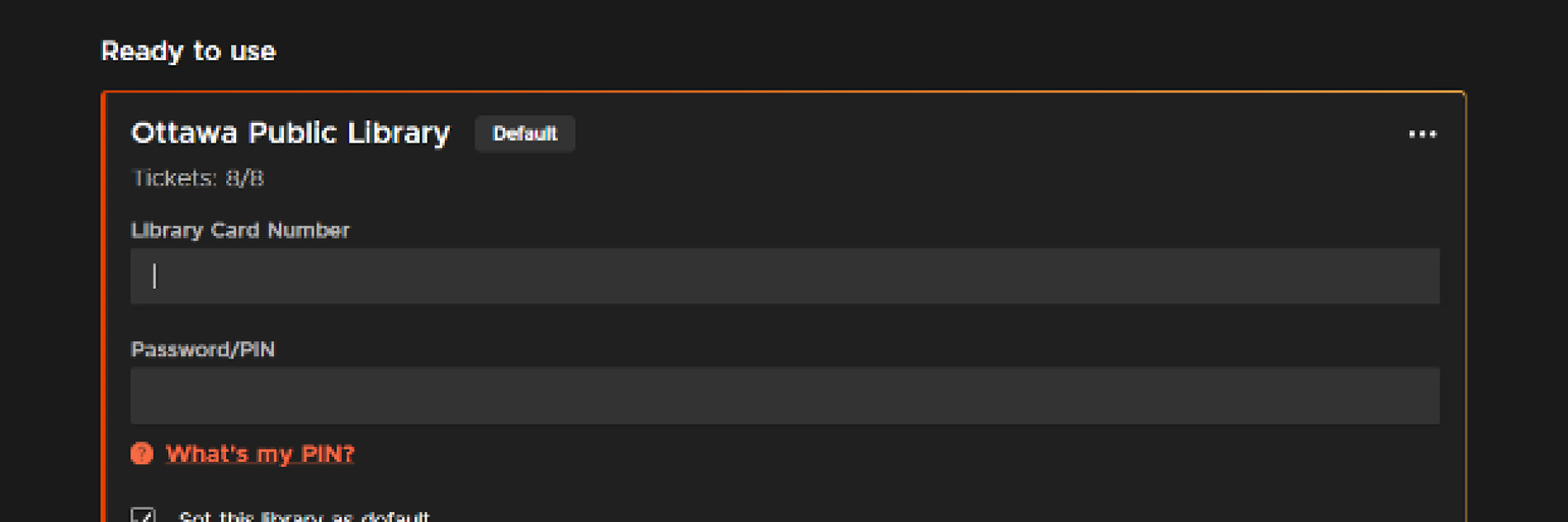
On the Kanopy website, you can update your library card number and PIN by selecting Edit on the My Libraries screen.
- Log in to your Kanopy account through Kanopy link under the OPL online Resources portal or go directly to kanopy.com
- Select the menu button in the top-right corner and go to My Account > My Libraries.
- Select ••• next to a library, then select Edit.
After selecting Edit, you can update your library credentials. You can also check the "Set this library as default" option to set a default library. Select Save to save your changes.
Image